DiabeFit. A project for social good

Scope:
4 weeks
My role:
UX/UI designer
My work:
Research
Design
I’ve used:
Figma
Miro
Useberry
This is an individual project as part of an educational program from Google that allowed me to sharpen my overall experience with websites and mobile apps as a UX designer. The presented project is a concept not intended for commercial use. All rights to the images belong to their respective owners.
Chapter 1 | Part 1

Project overview

Let's Get Cracking

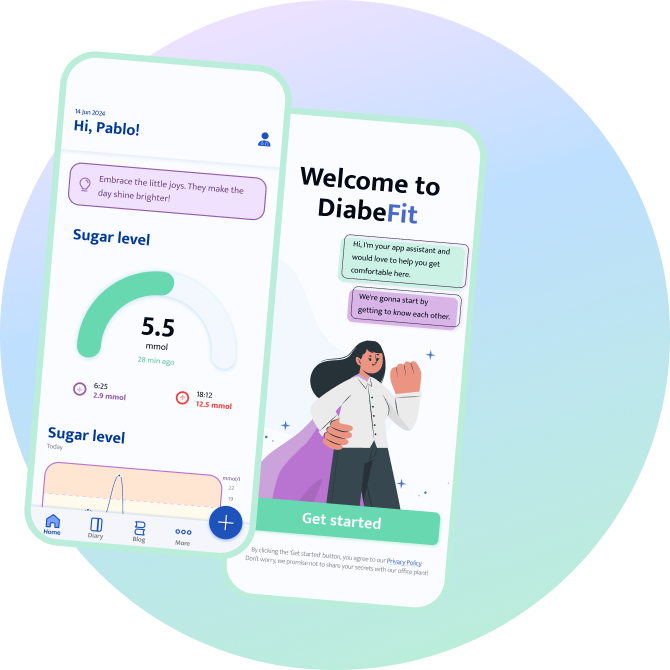
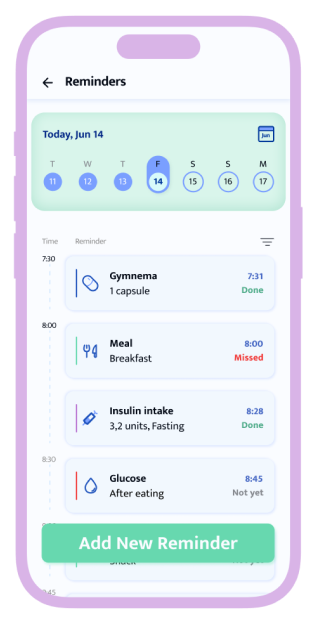
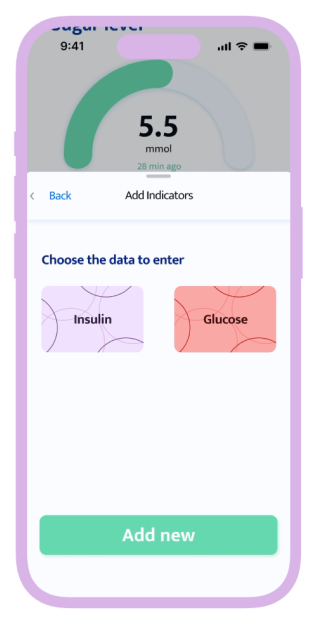
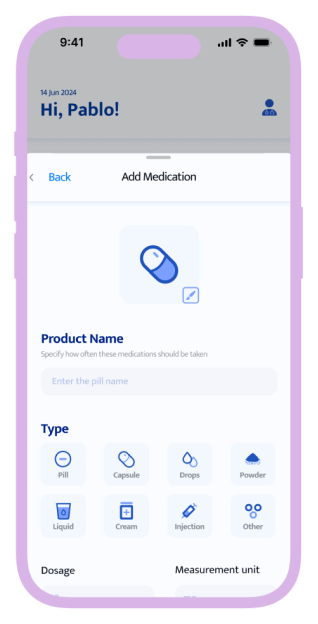
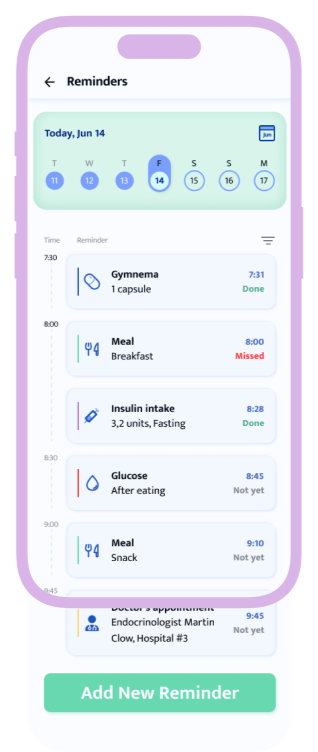
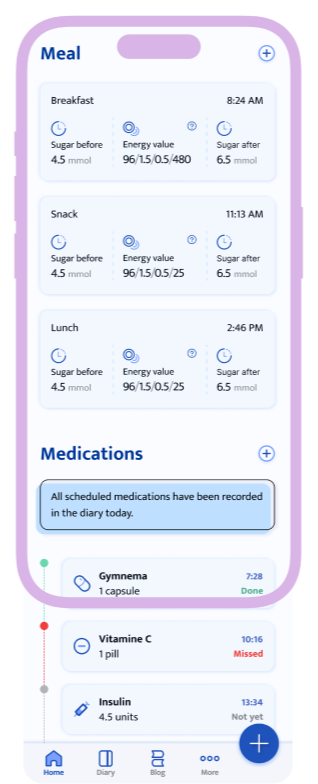
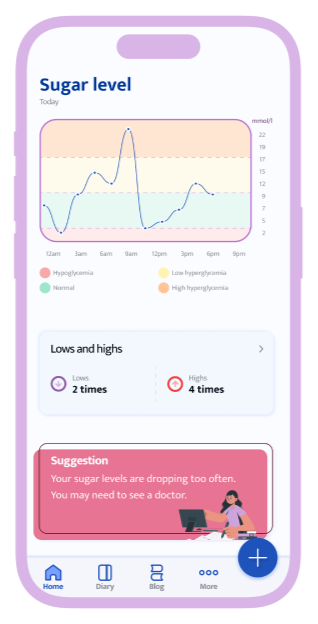
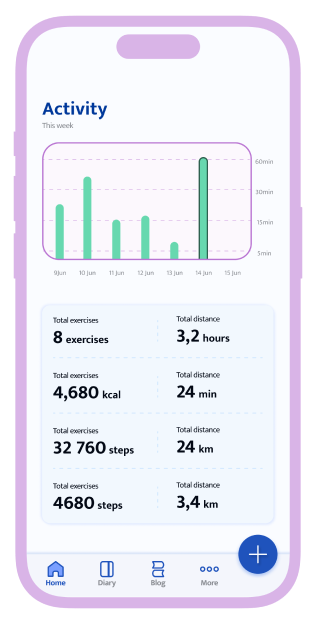
DiabeFit is an app for diabetics that allows you to enter and track the medical data that is most often important to this audience. It eases the daily routine, while the friendly tone and the protagonist aim to alleviate the psychological state.

Effortlessly manage every aspect of your diabetes – track your health, connect with your doctor, and thrive with  insights and reminders!
Chapter 1 | Part 2

Project overview

Pain Points 101

The problem
Diabetes is something that can follow you all your life. Sometimes you feel down, forget to take your medication, feel lonely, lack support.
The goal
Provide an app to help disease management track and enter medication intake data and set appropriate reminders.
Chapter 2 | Part 1

UX research

The Nitty-Gritty

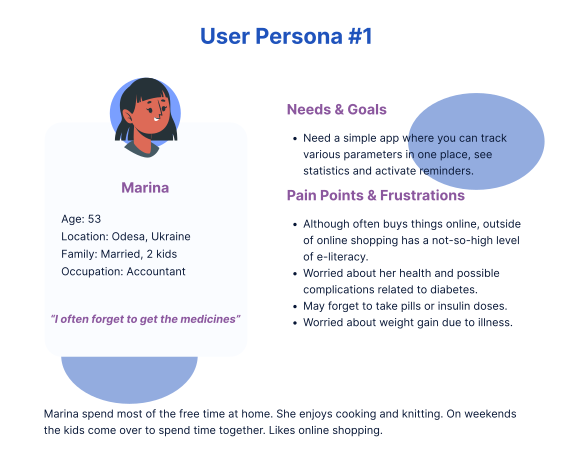
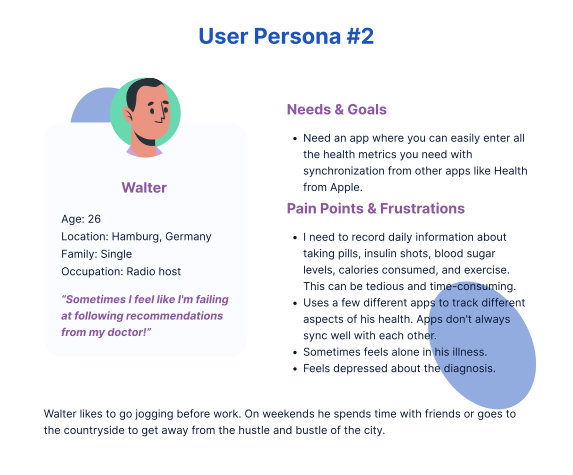
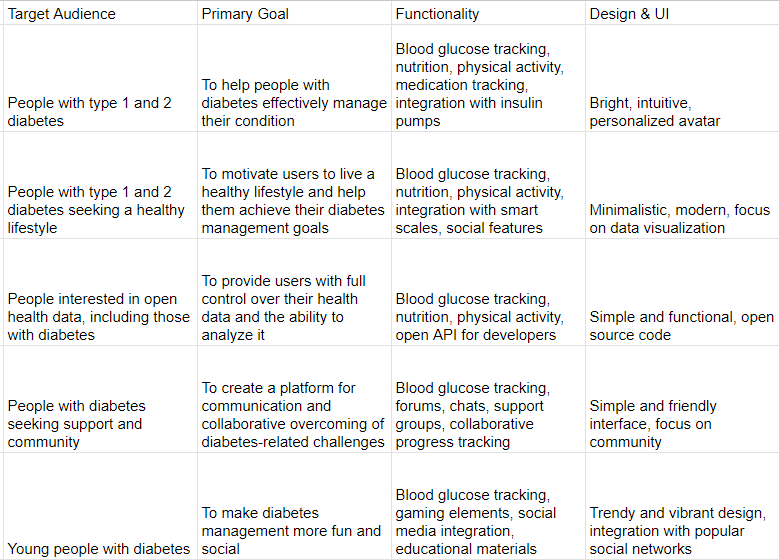
The first part of the research consisted of finding and interviewing potential users. As a result, I identified 2 main types of audiences and their main problems.
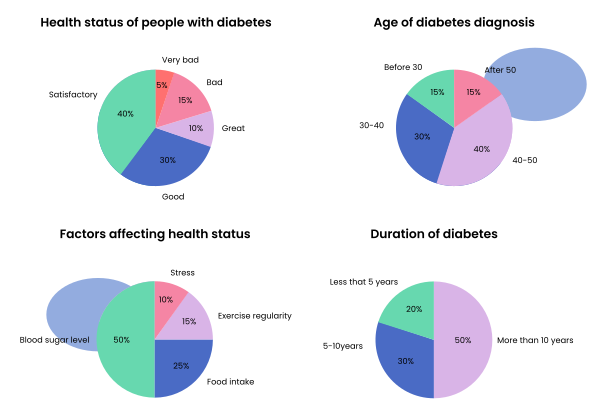
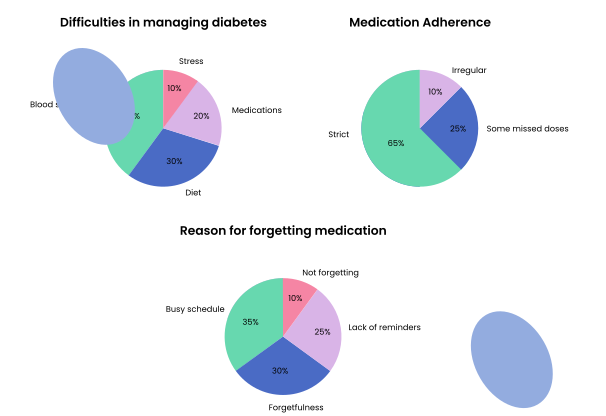
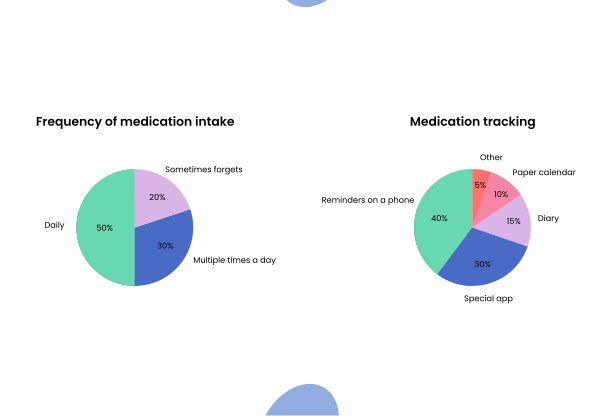
Statistics
The next task was to get to know the potential user better. Thanks to qualitative research, I collected data that will help me in creating a user-centered design.
Chapter 2 | Part 2

UX research

Putting Users First

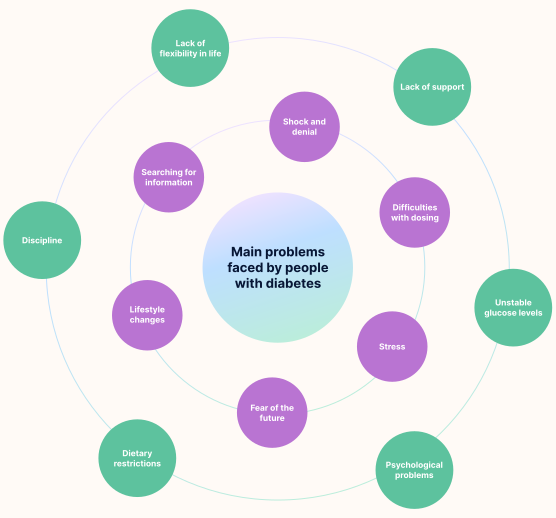
At this stage, I delved deeper into the disease to discover important insights that would be useful to me in the later stages of application development. This is where open access research and GPT chat came in handy.

And so, I learned the major problems faced with diabetes mellitus. Among them, there can be complications on both mental level and physical level.
Chapter 2 | Part 3

UX research

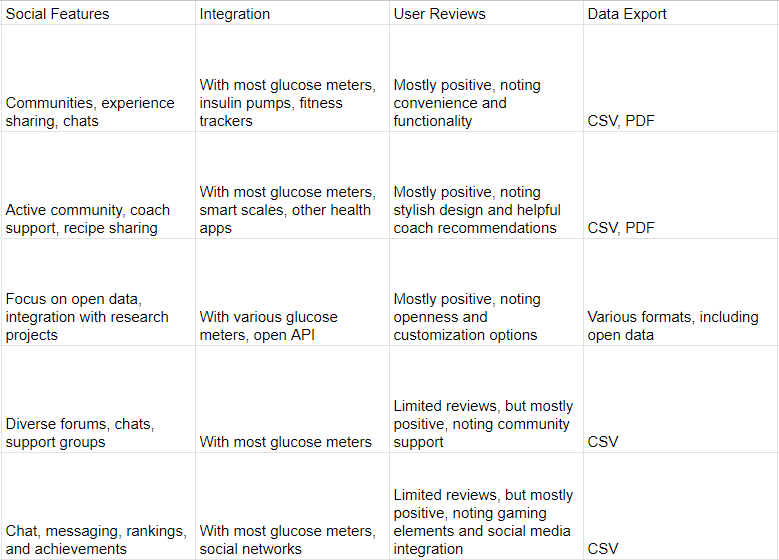
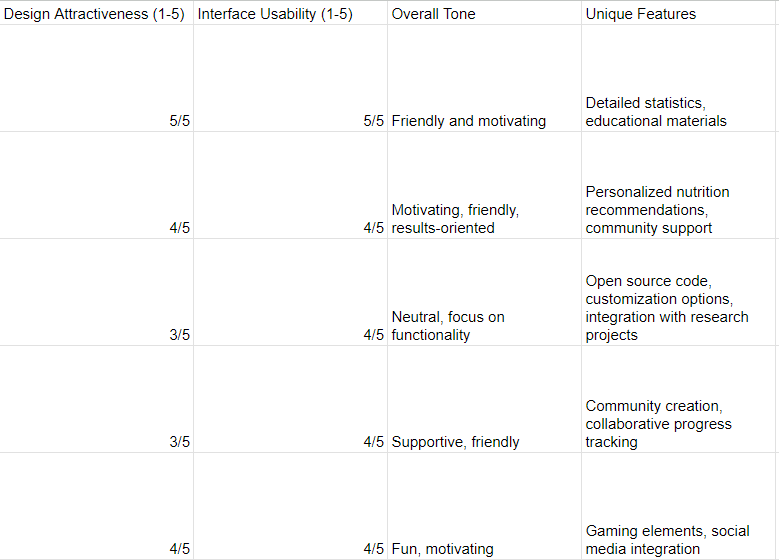
It's not a bug, it's a feature

While doing a competitor analysis, I realized that there aren't many apps on the market like the one I want to create (at least according to my Apple Store search results). This raised my motivation to work even harder, because it means that I can help those who need just such functionality that I will offer.
Chapter 2 | Part 4

UX research

Userland Adventures

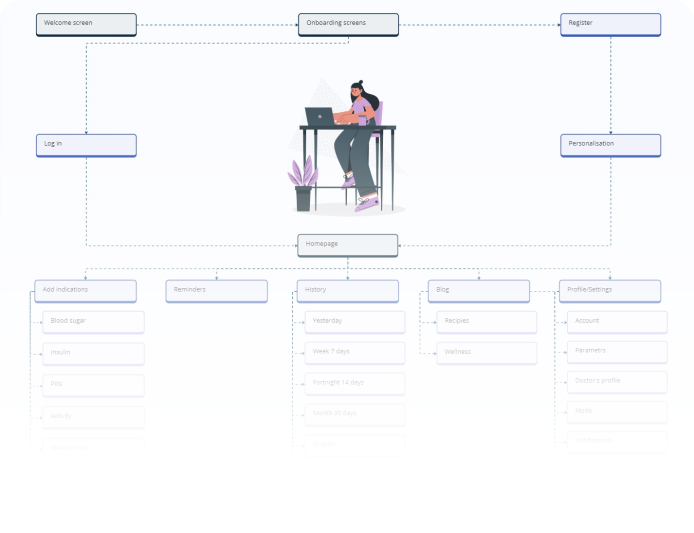
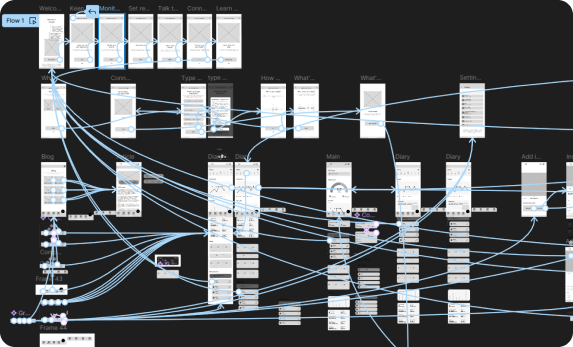
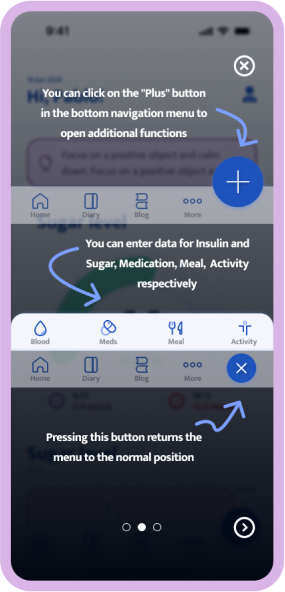
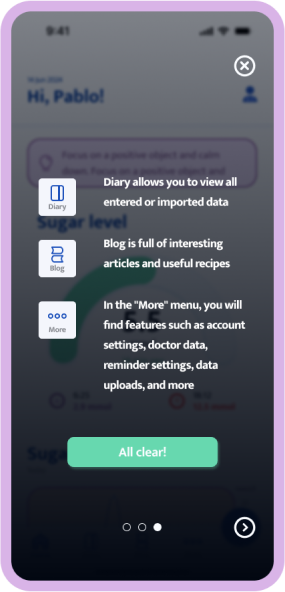
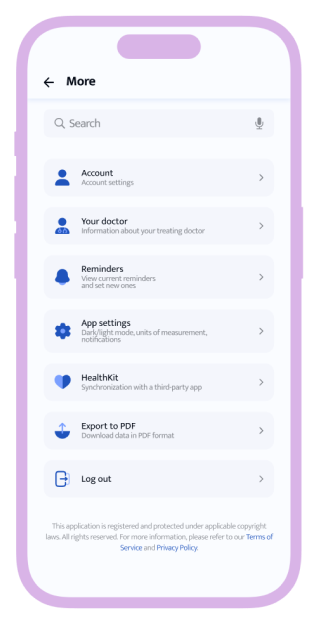
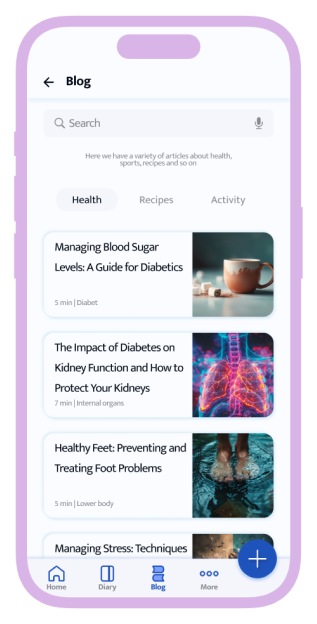
The challenge was to organize a large amount of data in such a way that users would not get confused by it, i.e. to make an intuitive flow. I highlighted the main functions in the bottom navigation menu: access to the main menu, a section with all entered data, blog, a section “more” where you can find settings and additional functions and the most important one was adding new data.
Chapter 3 | Part 1

Lo-Fi and Testing

Building a Better Mousetrap

For the first stage of sketching, I prefer to use pen and paper. In this particular project, I used the Crazy 8 method to generate ideas. Then, the ideas slowly began to materialize on my screen.

I ended up with 40+ screens for the testing phase, which included a main user flow.
Chapter 3 | Part 2

Lo-Fi and Testing

The Human Element

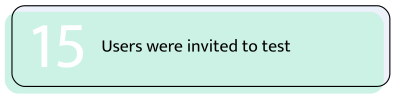
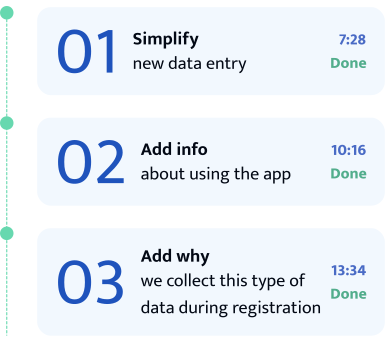
The purpose of testing was to find out whether it is convenient to track a lot of data in the application. For this purpose, I used the Useberry service so that, in case of complications among users, I could fix the situation before it became critical.
Goals
  • Rate usability when getting-to know the application
  • Evaluate the ease of entering new data
  • Assess usability and identify problems
KPIs
  • Time on task
  • Conversion rates
  • User error rates
  • System usability scale (SUS)
Notes
  • Unmoderated usability study
  • Participants are people who have diabetes or a predisposition to diabetes
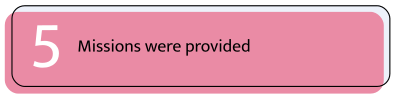
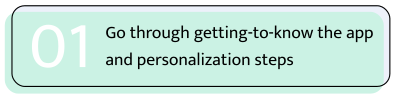
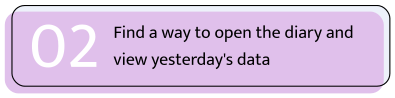
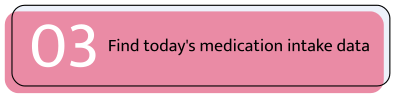
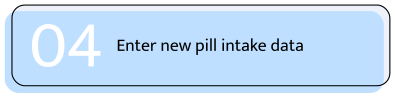
Scenarios
Findings
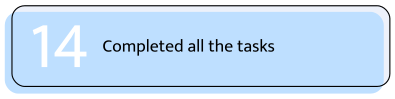
Testing showed quite mixed results. Some people managed to go all the way through without any problems, others had some difficulties, and one user found adding new data too difficult and ended the session.
Chapter 4 | Part 1

Visuals

From chaos to clarity

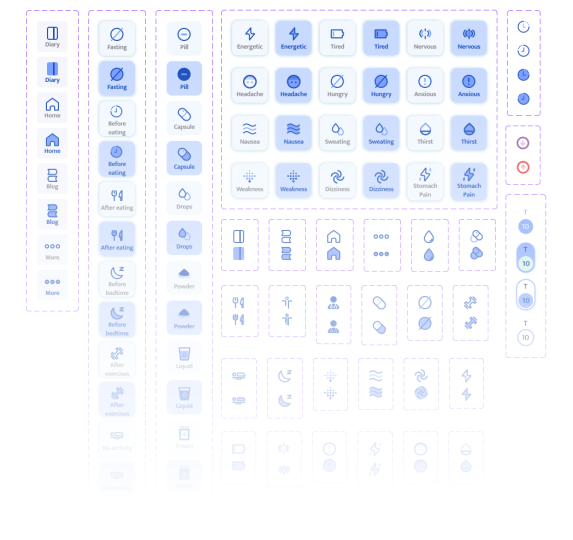
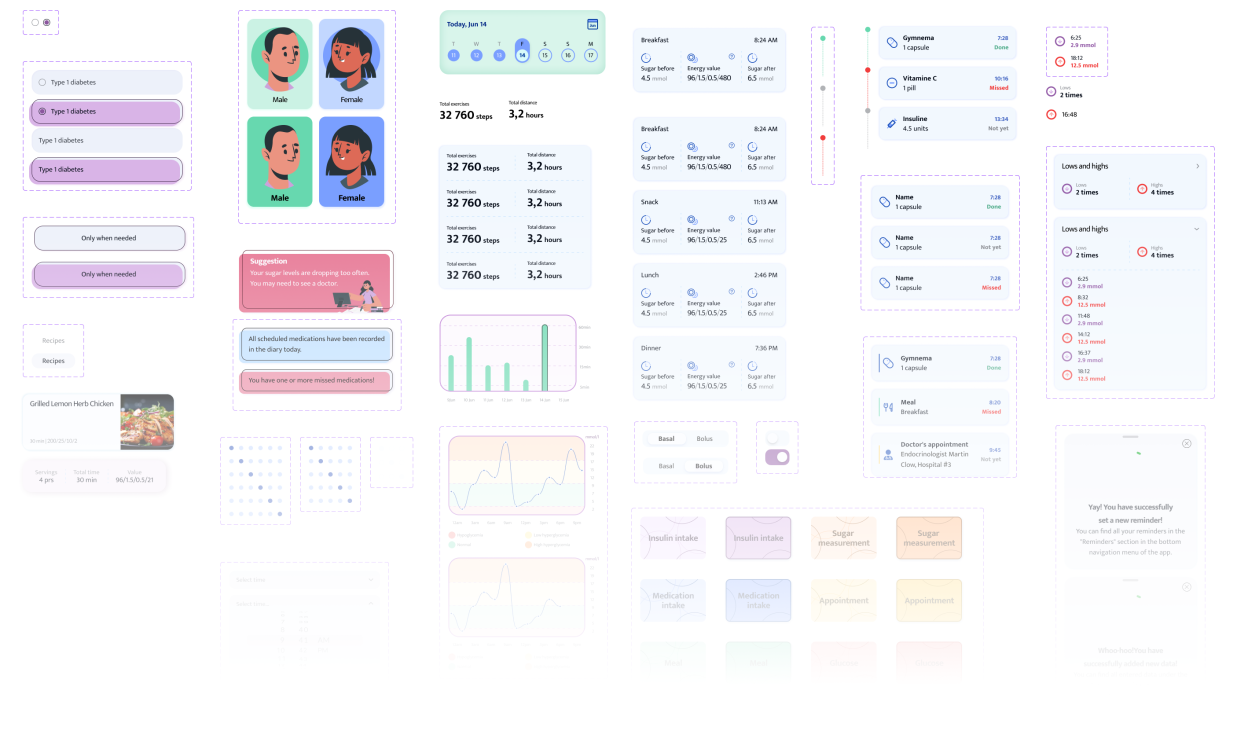
After selecting fonts and palettes, I prefer to use the atomic design method in the visual design phase. That is, first I create small elements that gradually turn into a finished project.

Some icons I made myself, but most of them were taken from open source libraries and remodeled to suit my interests.
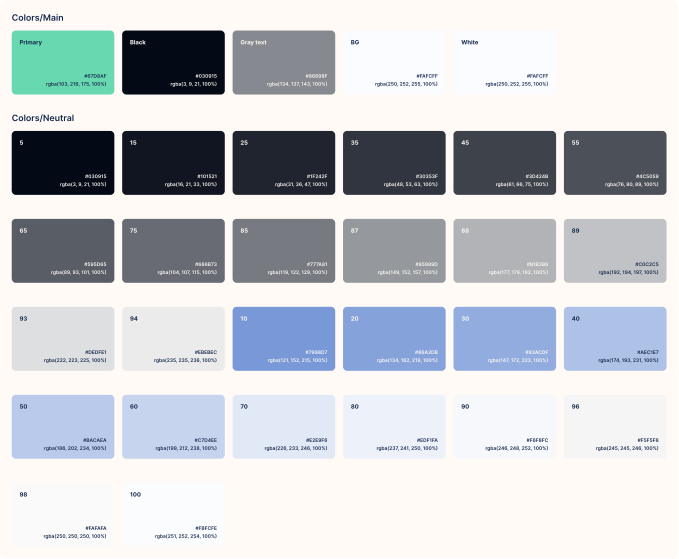
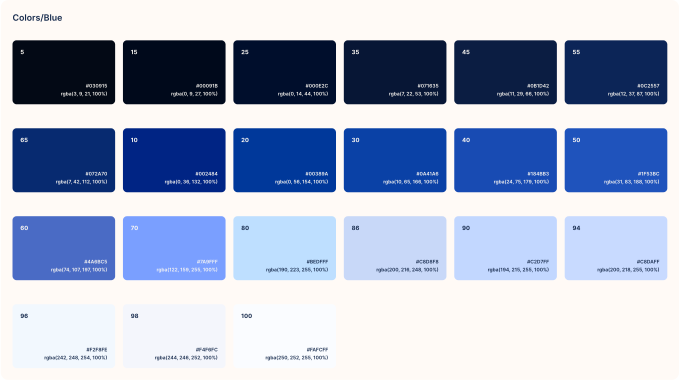
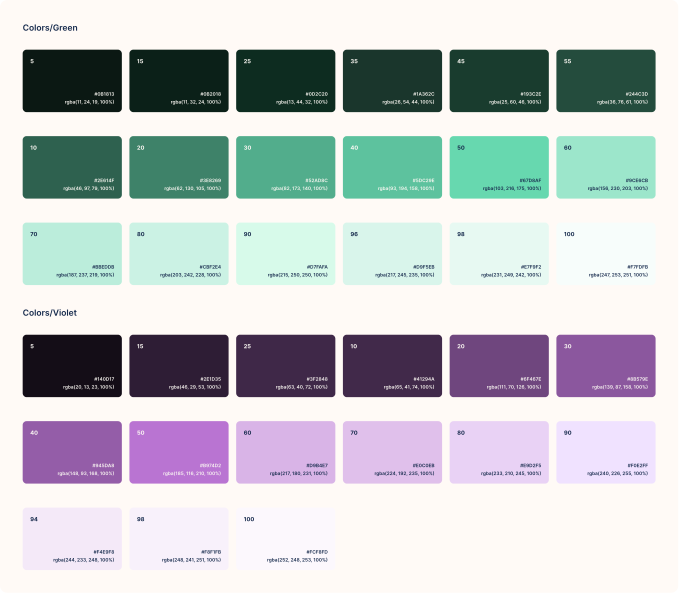
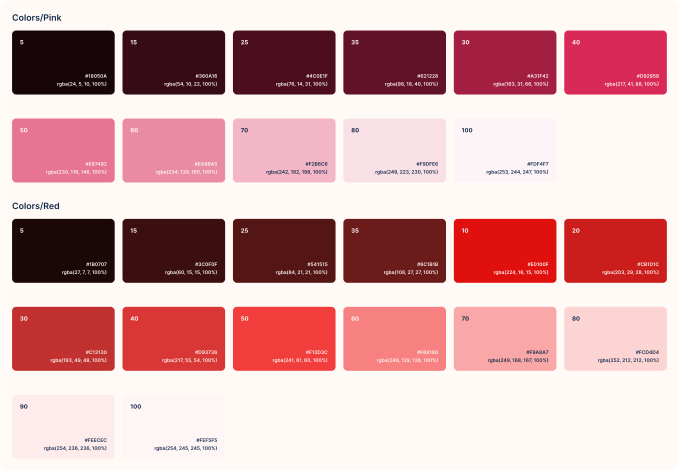
Colors
My goal was to create a friendly design, with bright but not garish colors that complement each other. To do this, I needed a lot of complementary shades that accentuate the design.
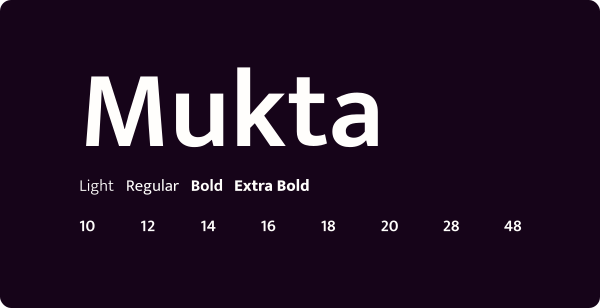
Font
Chapter 4 | Part 2

Visuals

Iteration Nation

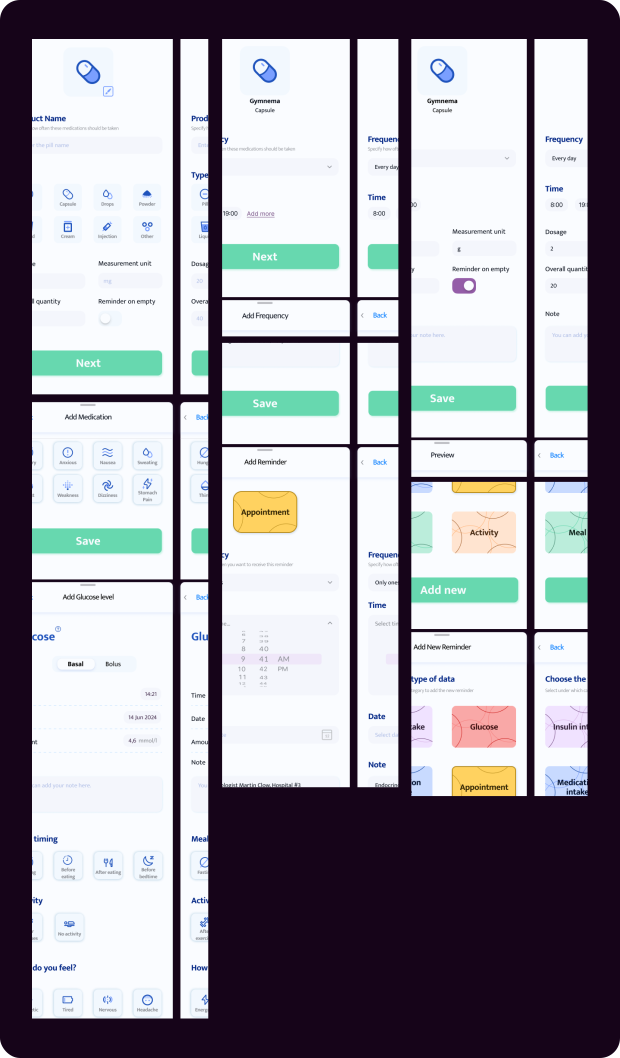
When you have diabetes, it's important to keep track of your medications, the amount of sugar you eat, and to check in with your doctor regularly. Therefore, in my app, I have tried to emphasize easy and accessible entry and viewing of this data, as well as setting reminders.
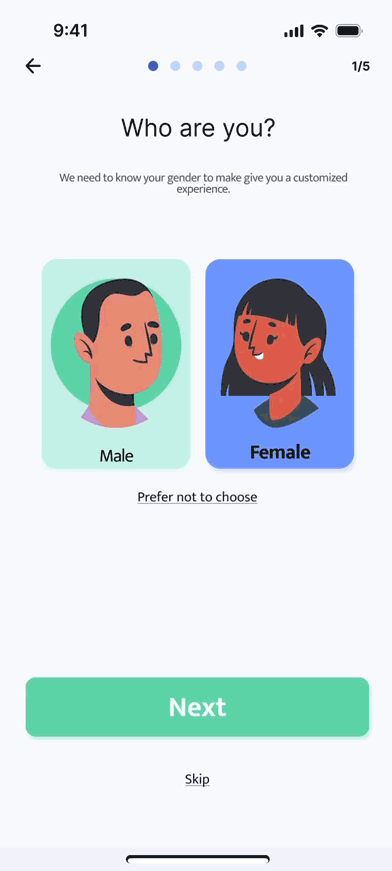
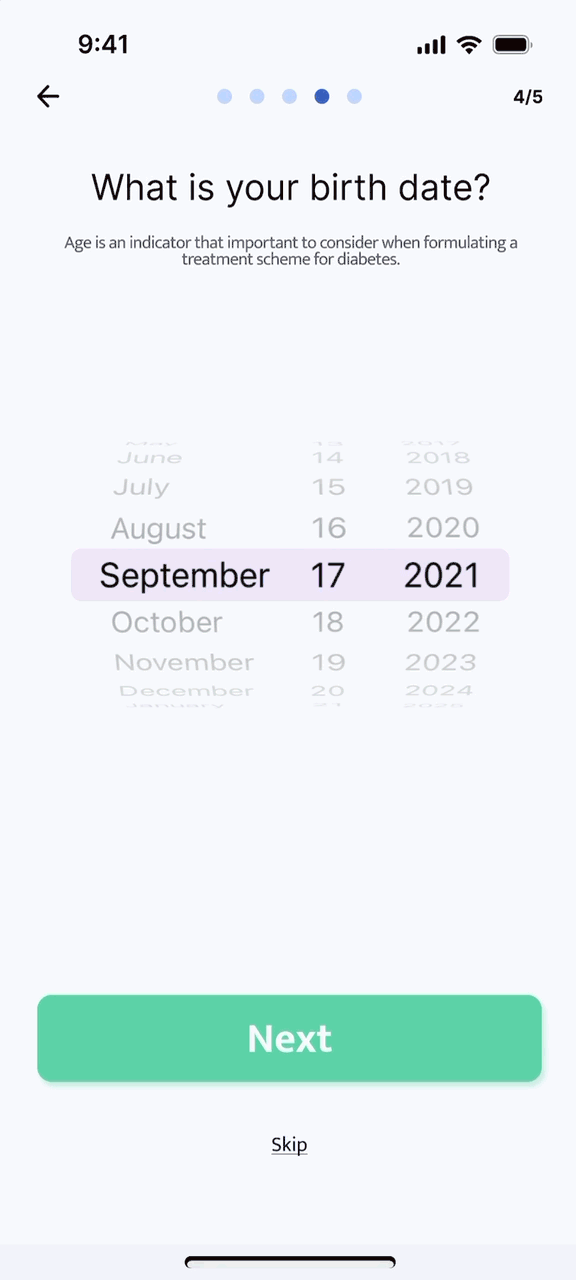
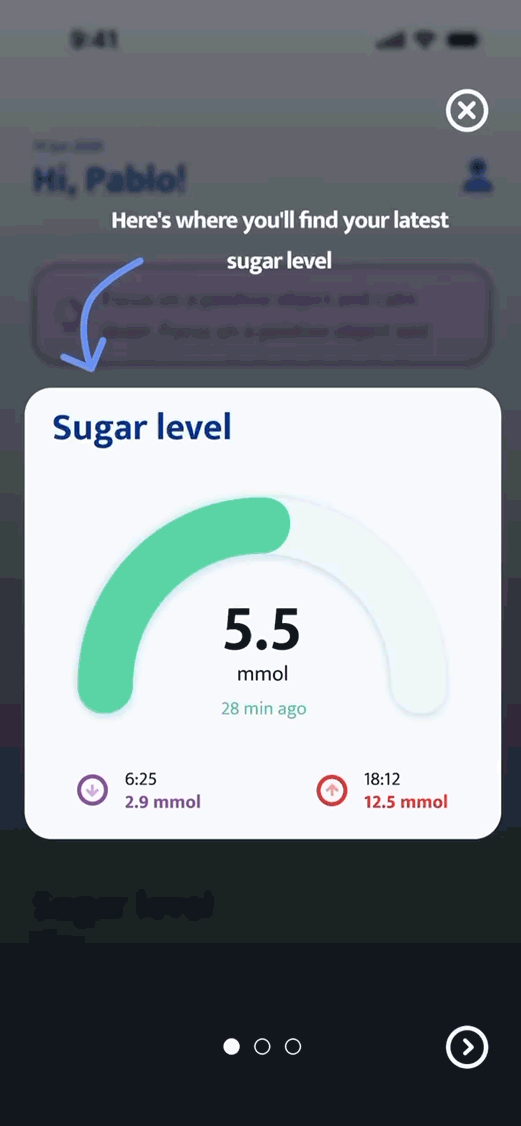
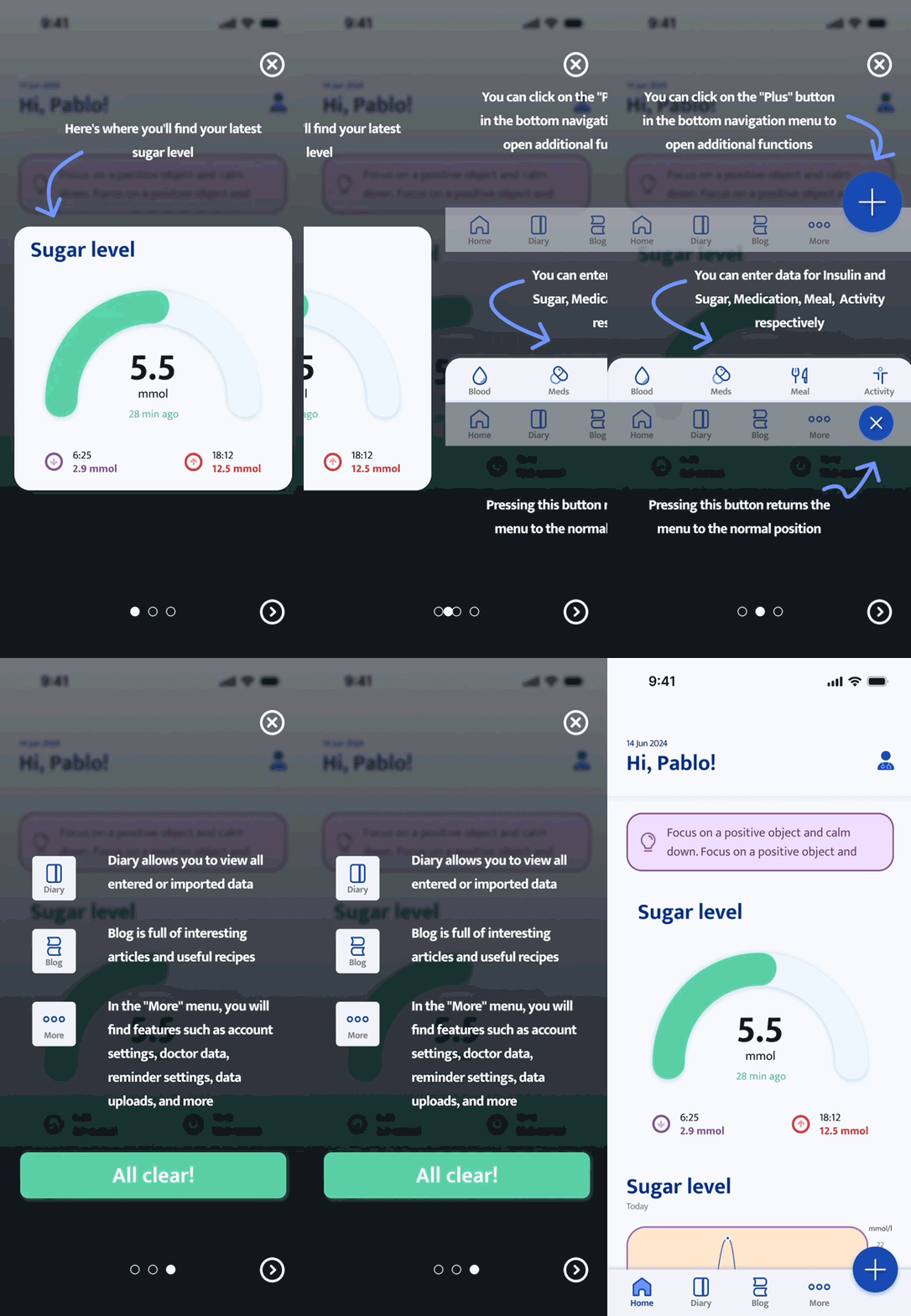
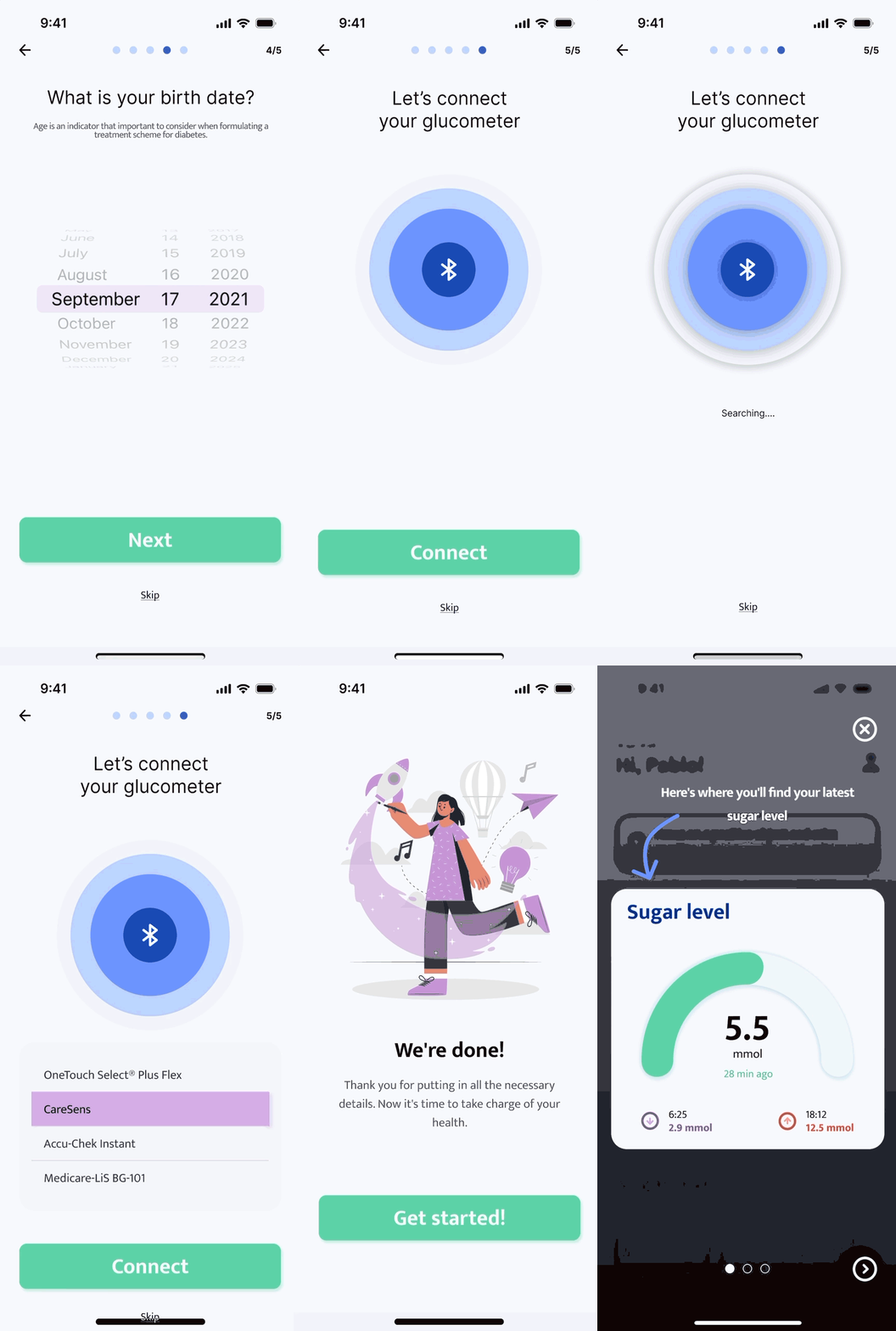
Onboarding
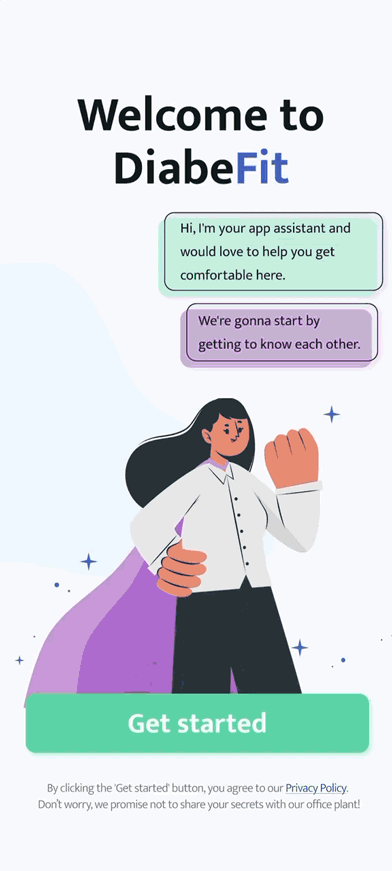
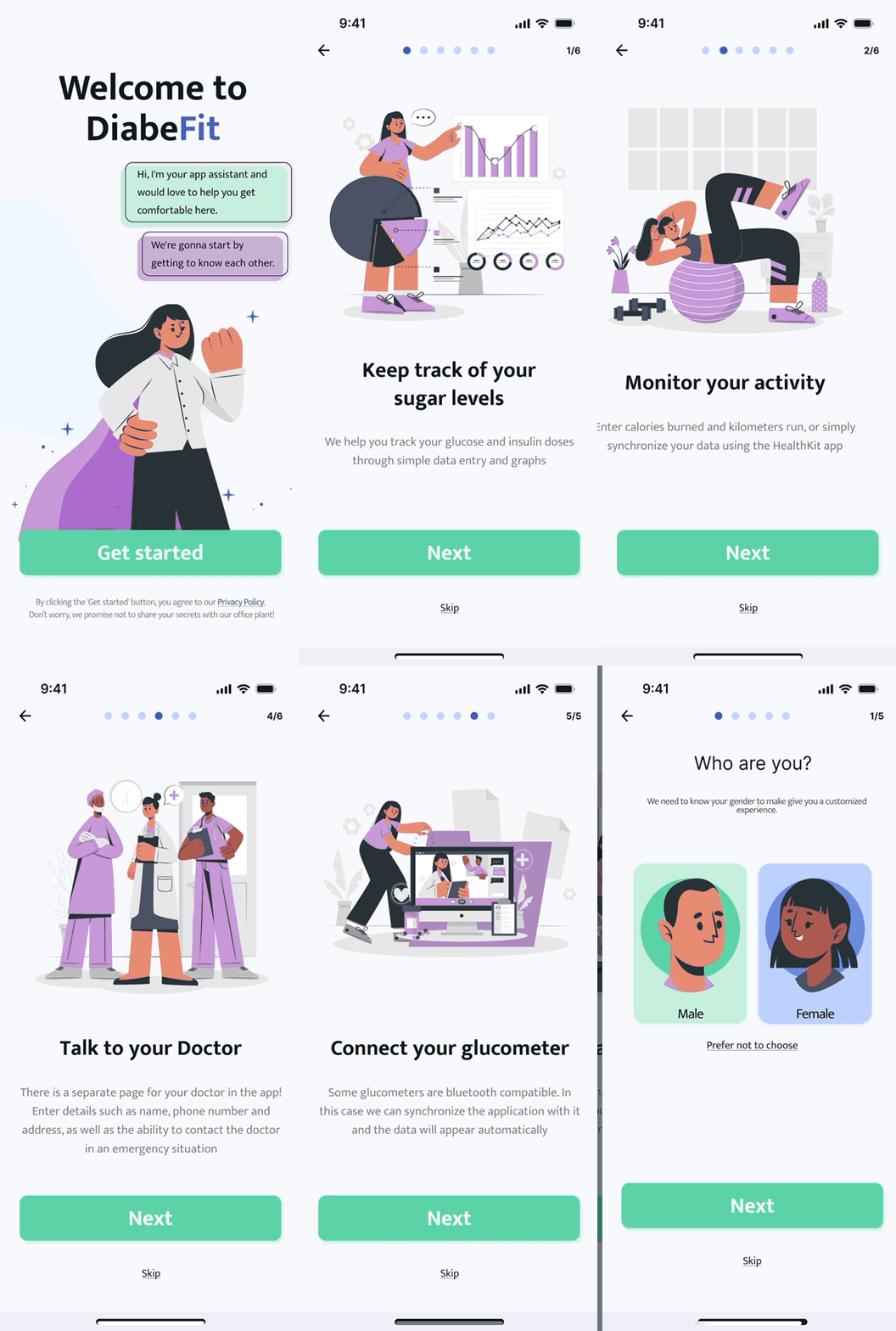
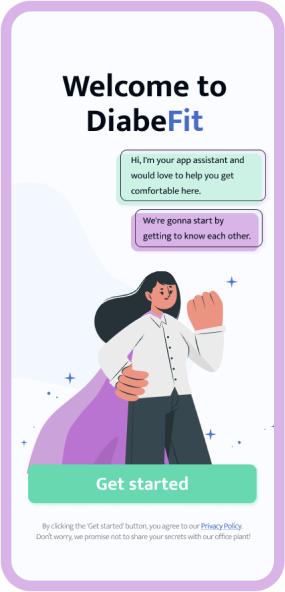
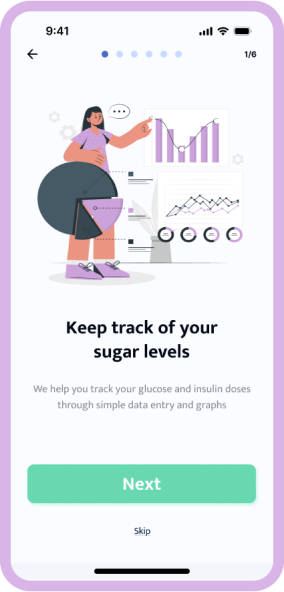
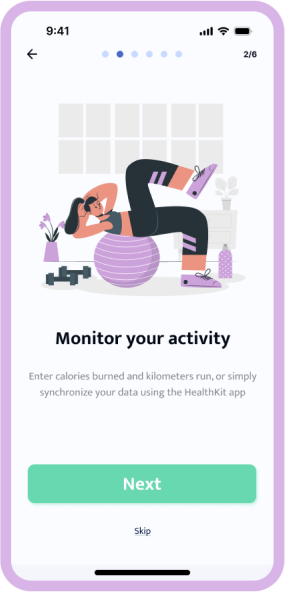
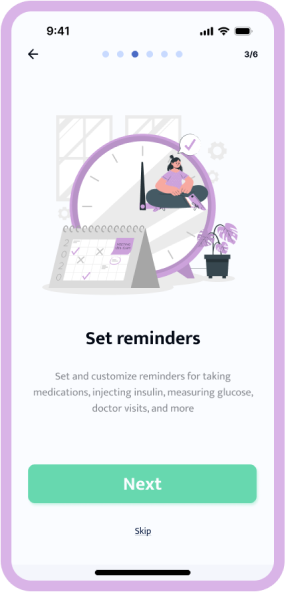
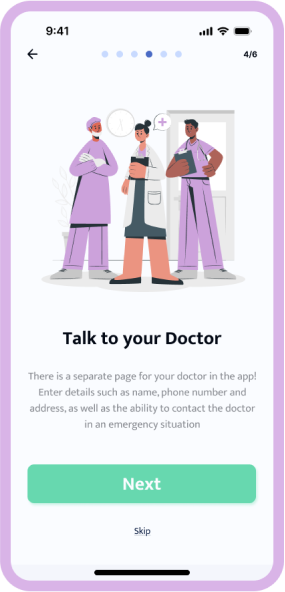
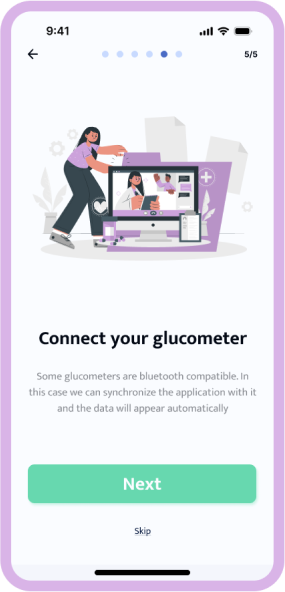
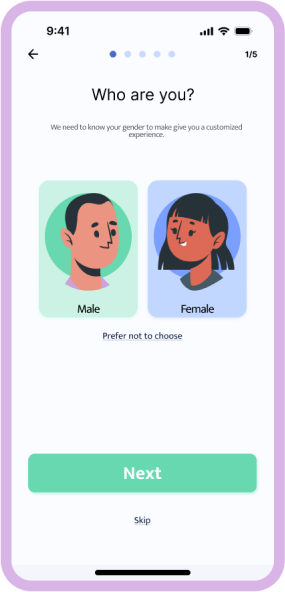
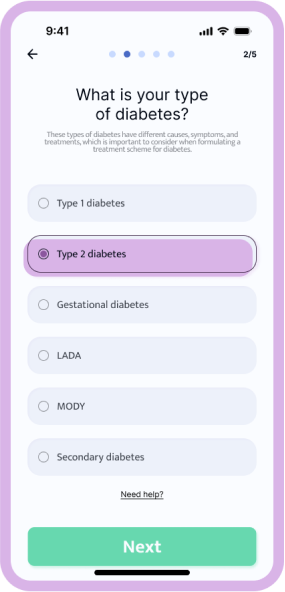
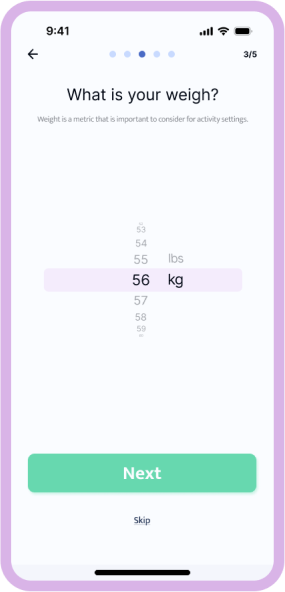
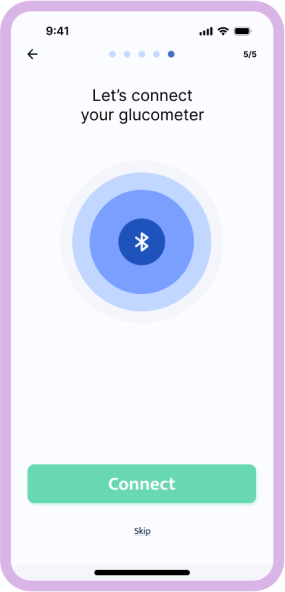
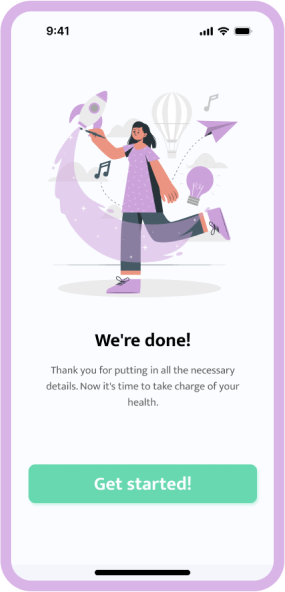
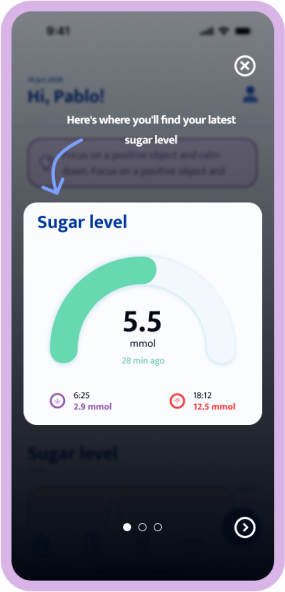
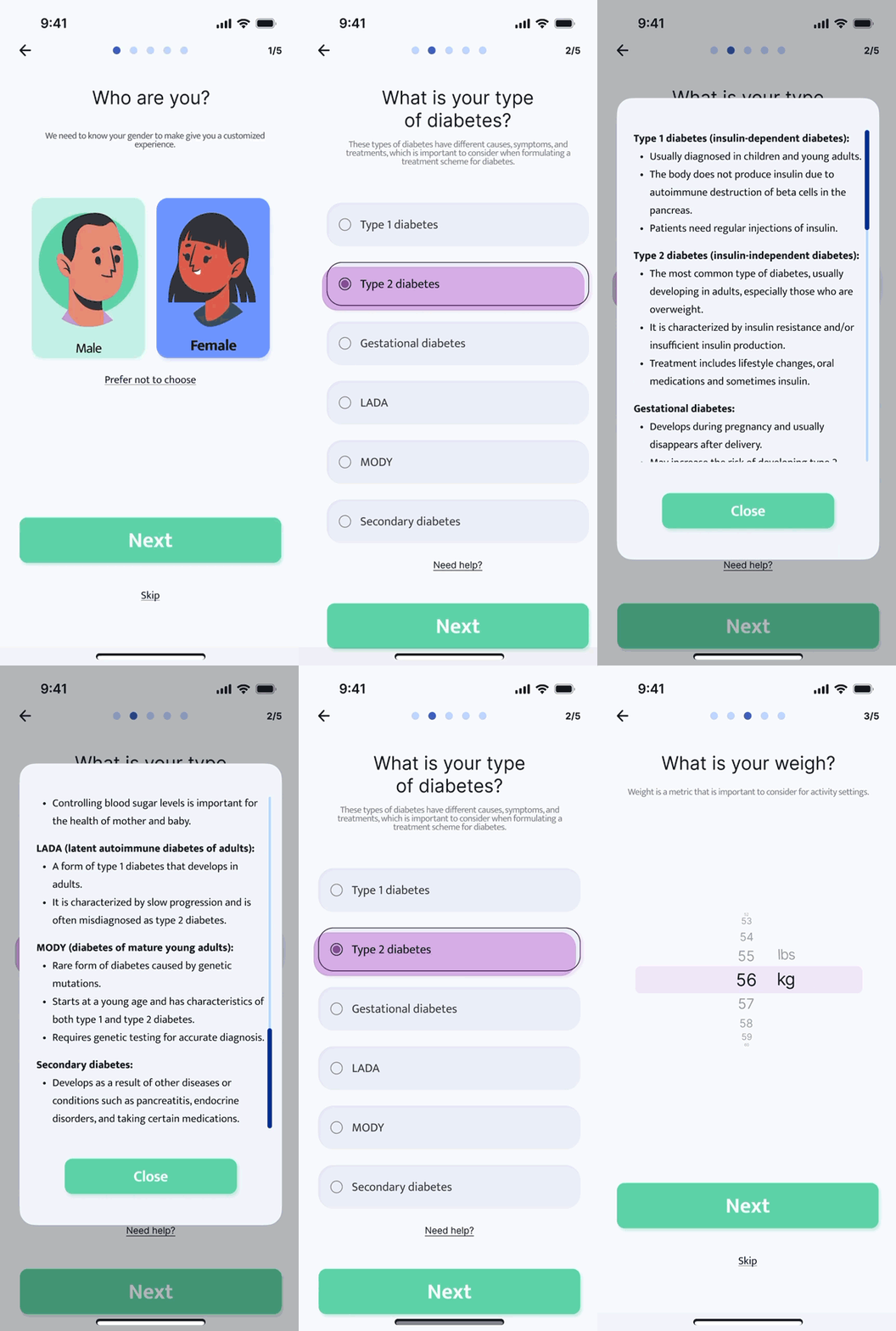
I tried to make the first interaction with the app as easy as possible and to explain its functionality in an accessible way, as the first impression is the most important. The importance of accessibility is emphasized by the fact that the app is aimed at groups of people with different levels of e-literacy
Hover on to start animation.
Design Showcase
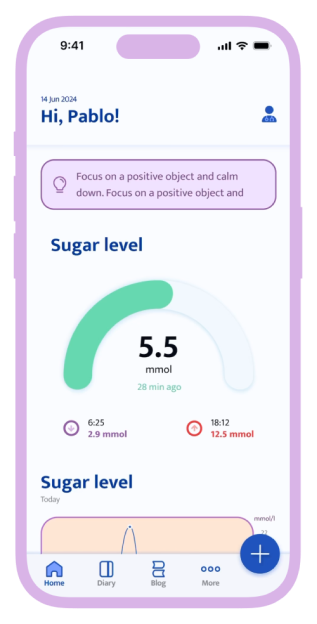
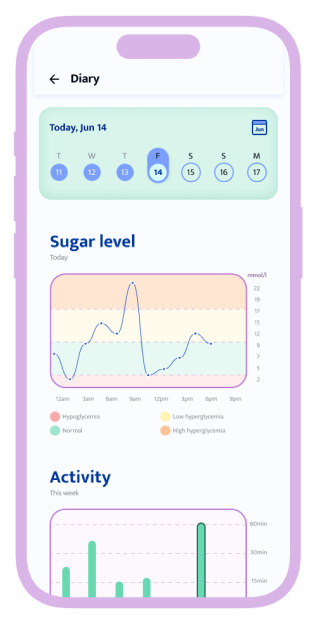
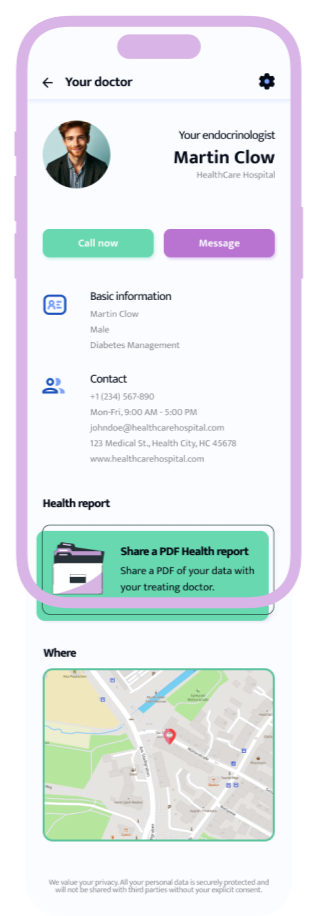
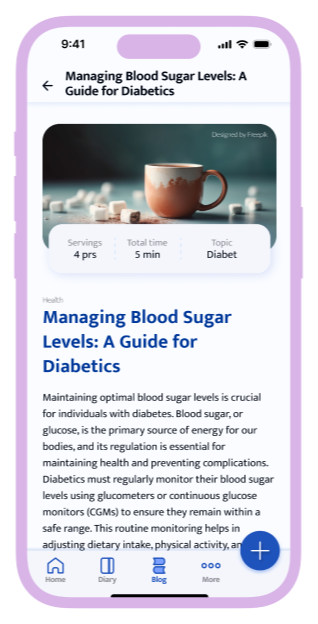
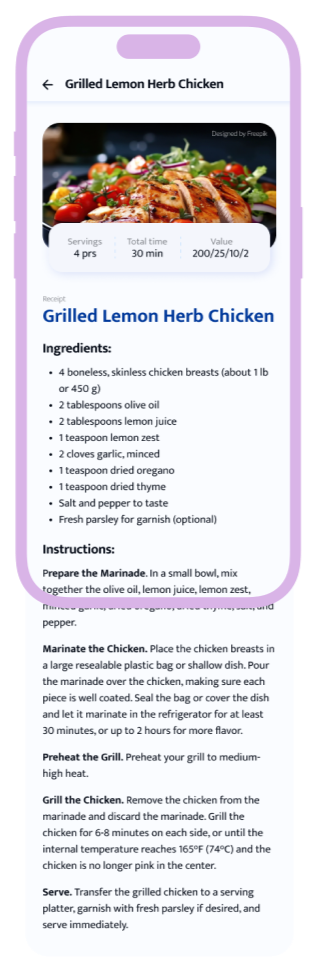
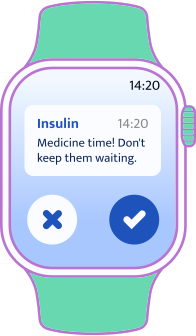
Please enjoy checking out my design and its features, more specifically: blog, tracking various data, doctor's page and more. The watchOS version helps users receive notifications on a variety of devices so that medication is taken at the most timely possible.
Hover on to start animation.
Desktop
As part of this project, I also created a landing page to promote the app with a download link, chip previews, and foldouts with testimonials and FAQs.
Chapter 5 | The Ending

Results

A Cautionary Tale

The app gives off an air of kindness and friendliness, because during the data collection phase I realized that many people with diabetes feel lonely or misunderstood by others.
DiabeFit has become the very project that allowed me to gain experience and confidence in my actions and data collection. And what's even more important is that I've become a part of something great that helps people ease the daily routine and be more confident despite the inconveniences they face on a daily basis.
And for me I made the following conclusion: the more you need to implement in the design, the simpler and clearer it should be.